Track Your
Road to Trim
This site is built for you. Check off every requirement, read tips from someone who has done the grind, and follow NightraTV's live progress as he works toward the Master Trimmed Completionist Cape on YouTube.

NightraTV's Progress
Updated after each video

Master Quest Cape
0%

Max Cape
0%

Master Max Cape
0%
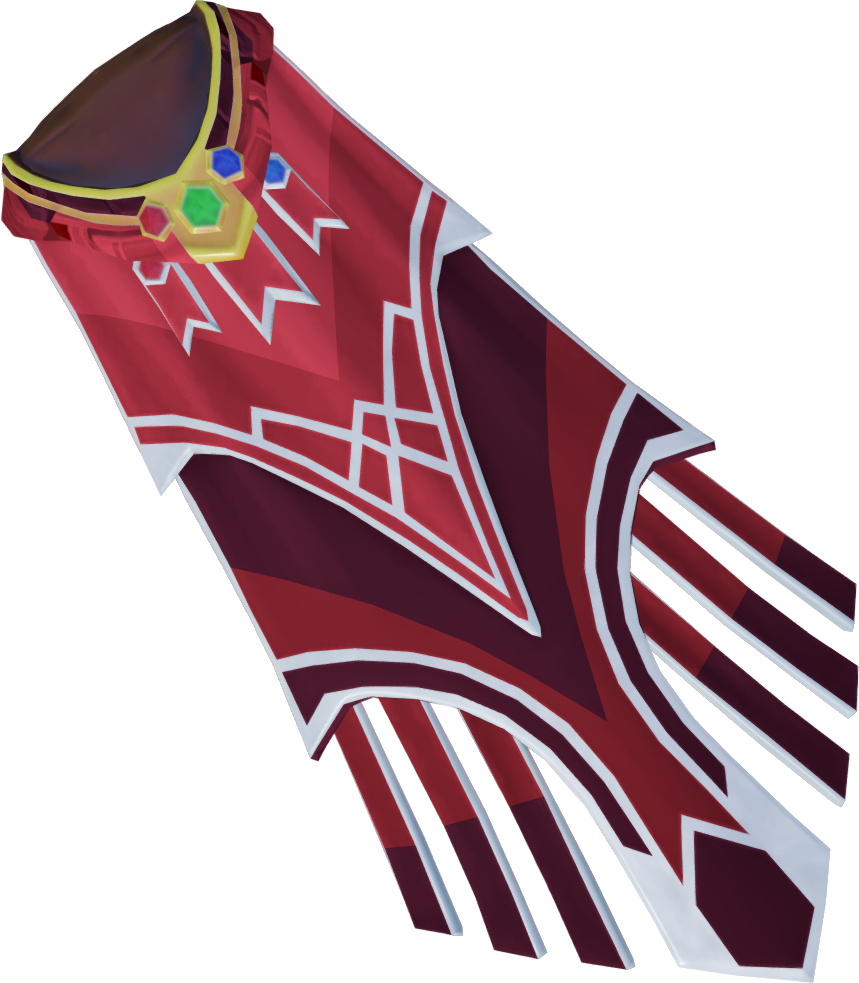
Completionist Cape
0%

Trimmed Comp Cape
0%
Master Of All
0%
Overall0% - 0/576
Your Milestone Badges
Choose a Cape to Track
Every requirement is listed inside. Check tasks off as you complete them - your progress saves in your browser. Hit the Tip button on any task to read advice from NightraTV.
Master Quest Cape
Lore and Completions
0%
0/302 mine0/302 NightraTV
MineNightraTV
All 302 quest achievements - every quest, miniquest and lore journal.
Open full task list + tips
Complete!
Max Cape
99 in Every Skill
0%
0/29 mine0/29 NightraTV
MineNightraTV
Level 99 in all 29 skills. The first major milestone on the road to trim.
Open full task list + tips
Complete!
Master Max Cape
True Skill Mastery
0%
0/29 mine0/29 NightraTV
MineNightraTV
Level 120 in all 29 skills. The foundation of the entire journey.
Open full task list + tips
Complete!
Completionist Cape
The First Trim
0%
0/102 mine0/102 NightraTV
MineNightraTV
All 102 completionist achievements across quests, skilling and minigames.
Open full task list + tips
Complete!
Trimmed Completionist Cape
The Ultimate Goal
0%
0/85 mine0/85 NightraTV
MineNightraTV
85 extra achievements beyond the Comp Cape. The most prestigious title in RS3.
Open full task list + tips
Complete!
Master Of All
Every Skilling Pet
0%
0/29 mine0/29 NightraTV
MineNightraTV
Collect all 29 skilling pets to unlock the Master Of All title.
Open full task list + tips
Complete!
Feedback and Task Reports
Found an outdated task, missing requirement, or want to leave a note for NightraTV? Your feedback helps keep this tracker accurate for everyone.
Thank you! Feedback saved. NightraTV will review it.
Your progress saves in this browser only
Switching device or clearing your browser will erase it. Keep a backup — it takes one click.